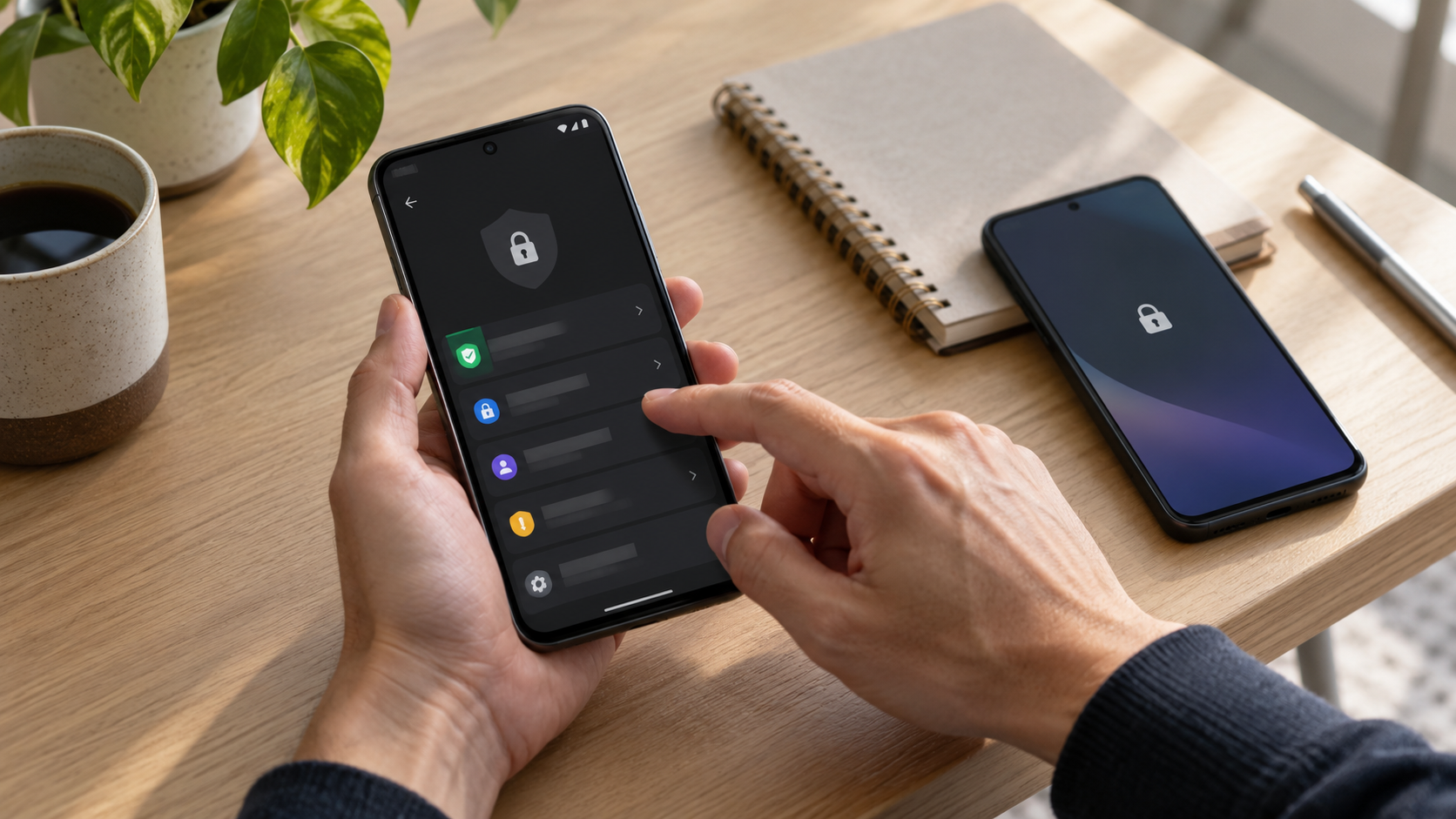
Layer Android controls before adding another app
Start with a strong screen lock, short auto-lock interval, lock-screen notification settings and applicable Android features. Private Space is available only on supported Android versions and devices, and installing an app there creates a separate instance rather than moving existing app data.
One phone supports Android Private Space; another does not. The owner confirms version and manufacturer behavior, tests the screen lock and notification settings on each device, and avoids claiming one menu path works universally.
Verify the real phone state
- 01Confirm the Android version, device manufacturer and installed messaging app.
- 02Set a PIN, password or pattern rather than swipe-only access.
- 03Review lock-screen notification visibility and hide sensitive content where available.
- 04Check whether Private Space or app pinning fits the task and understand its limitations.
- 05Run harmless tests after every change instead of trusting the label alone.
Keep useful evidence, not message content
Document device and OS version, screen-lock type, notification setting, available isolation feature, test result, known exceptions and review date.
Stop the loan when
- Instructions assume every Android device exposes the same menus.
- Private Space is described as moving the existing message history automatically.
- App pinning is treated as equivalent to a separate user or managed profile.
App entry is not system-wide privacy
Not operating-system-wide E2EE, Android enterprise management or app provider account recovery. Test Android notifications, message-provider behavior and recovery separately.
Run the final independent check
Before relying on an Android feature, reproduce the full loan sequence: lock the phone, unlock it as the owner, open only the permitted task, hand it over and attempt the known escape routes. Record manufacturer differences. A control is accepted because the observed device behavior matches the plan—not because a menu label sounds protective or a different phone supports it.
Resolve these before lending
Can Private Space protect an existing SMS app and its current data automatically?
Google states a new app instance is installed and main-space data is not copied. Plan account and message behavior separately.
Is app pinning a privacy boundary?
It can constrain casual navigation in some situations, but test exit behavior and do not treat it as enterprise management.
Sources for this decision
Links support the specific decision and do not imply endorsement. Device, Android version, provider guidance, consent and applicable policy control the real loan.