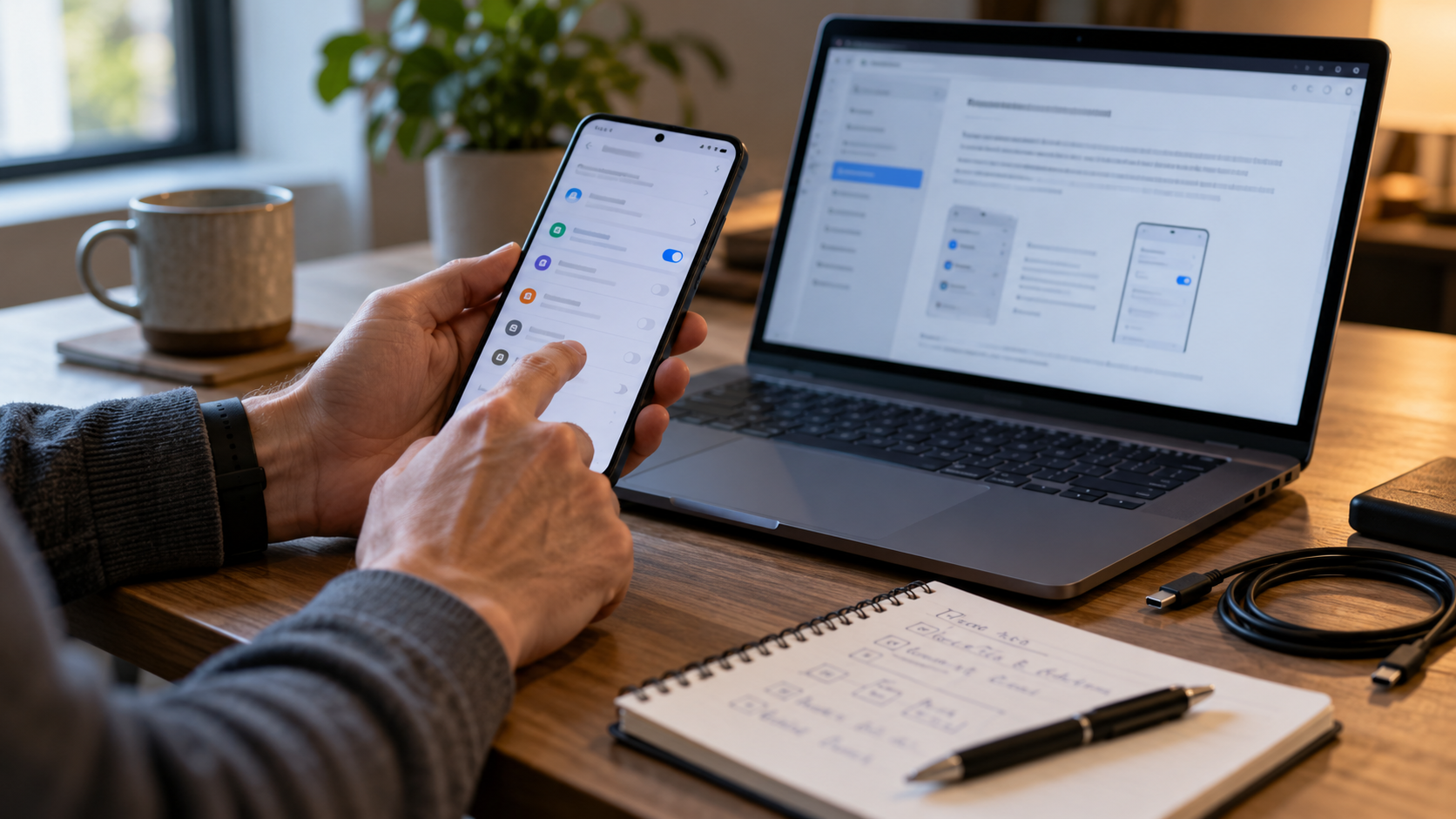
Troubleshoot by version, entry path and visible surface
Privacy controls can fail after Android updates, messaging-app changes, permission changes, battery restrictions or vendor customizations. Preserve the observed behavior, test harmless data and change one variable at a time.
After an Android update, the entry lock no longer appears when a notification is tapped. The owner records versions, reproduces the issue with a test message, checks permissions and official support, then stops lending the device until protection is reliable.
Verify the real phone state
- 01Record the exact device, Android, messaging app and locker versions.
- 02Reproduce the failure with a harmless test and name the entry route.
- 03Check screen lock, notifications, accessibility, battery and relevant app permissions.
- 04Restart, update from trusted sources and retest one change at a time.
- 05Escalate with sanitized evidence; never send real messages, PINs or account codes.
Keep useful evidence, not message content
Capture version details, steps, expected and observed behavior, affected surface, changes attempted, result, support reference and temporary mitigation.
Stop the loan when
- The only proposed fix is uninstalling data without a backup review.
- A permission is enabled merely because a third-party instruction demands it.
- The control works from the icon but fails from recents or notifications.
App entry is not system-wide privacy
Not operating-system-wide E2EE, Android enterprise management or app provider account recovery. Test Android notifications, message-provider behavior and recovery separately.
Run the final independent check
Before accepting a fix, repeat the original failing path and at least one normal path. Confirm that the change did not expose notification content, break backup or grant an unrelated app broad access. Store only sanitized evidence. If vendor or Android documentation does not support the requested permission or behavior, pause rather than following an unverified workaround.
Resolve these before lending
Should every requested permission be enabled to make an app locker work?
No. Understand the permission, source and consequence; grant only what is justified and supported.
When is the phone safe to lend again?
After the intended controls pass the exact locked and unlocked test cases, with residual exposure accepted.
Sources for this decision
- Android Help: manage permissions from the privacy dashboard
- Android Help: security and privacy settings
Links support the specific decision and do not imply endorsement. Device, Android version, provider guidance, consent and applicable policy control the real loan.