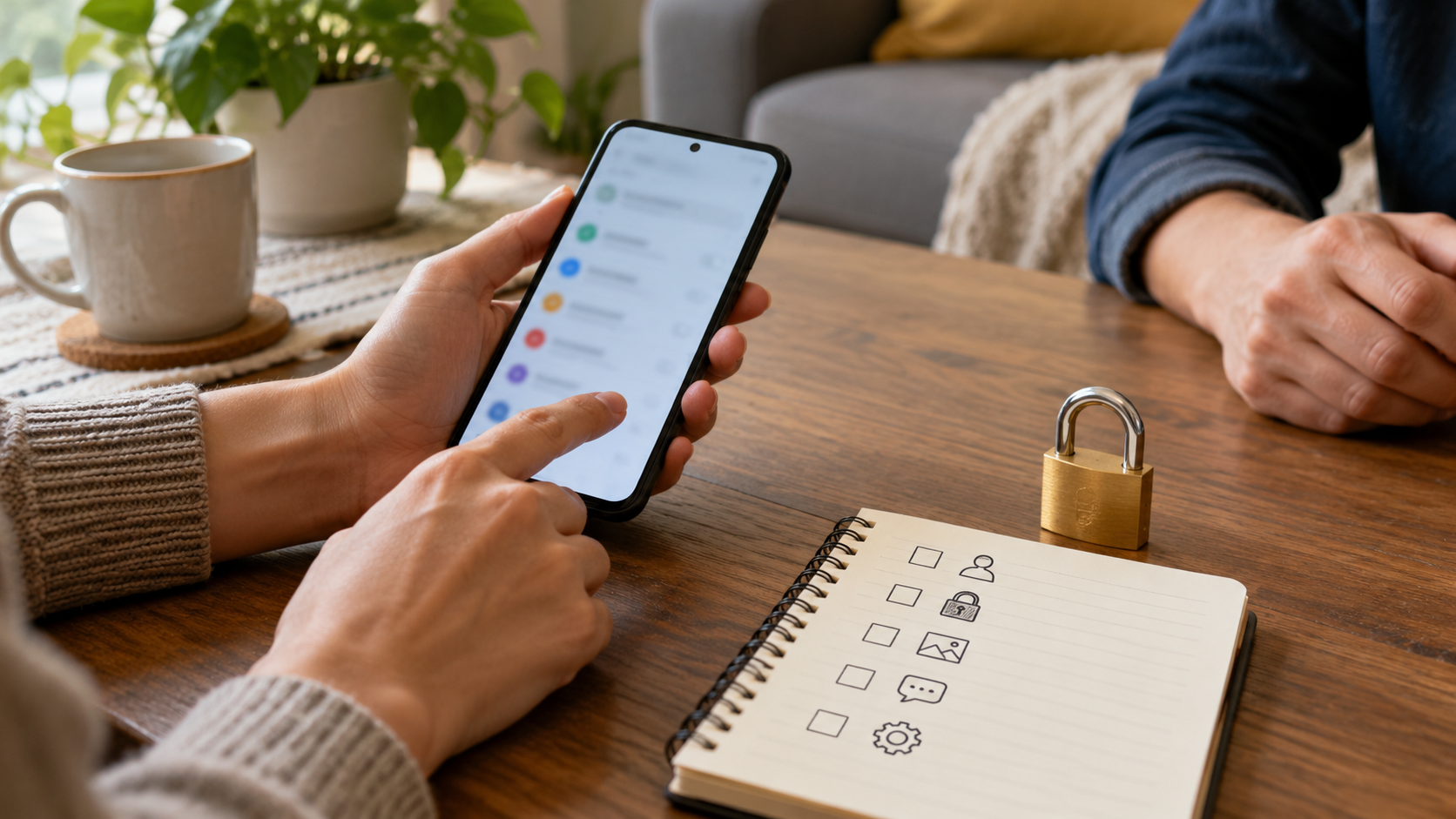
Map every place a message can appear
Temporarily lending an unlocked phone can expose more than the messaging app. A borrower may see lock-screen previews, notification shade content, recent-app thumbnails, search results, linked-device alerts or one-time codes. Begin with the surfaces, not a single lock toggle.
A person lends a phone to a relative for a ten-minute call. The SMS app is closed, but a bank code appears in a notification banner. The owner pauses the loan, hides sensitive previews and tests the exact locked and unlocked states before trying again.
Verify the real phone state
- 01Define who will borrow the phone, for how long and for which task.
- 02List the messaging app, notification shade, lock screen, recent apps, widgets, search, connected watches and car displays.
- 03Send harmless test messages and observe each surface while the phone is locked and unlocked.
- 04Review SMS and notification-access permissions for downloaded apps.
- 05Record remaining exposure and decide whether lending the device is appropriate.
Keep useful evidence, not message content
Record device model, Android version, messaging app and version, test states, exposed surfaces, permission changes and residual risk. Never include real messages, phone numbers or one-time codes.
Stop the loan when
- A preview remains readable before authentication.
- A third-party app has SMS or notification access without a current need.
- The borrower needs the owner’s fully unlocked session for an unrelated task.
App entry is not system-wide privacy
Not operating-system-wide E2EE, Android enterprise management or app provider account recovery. Test Android notifications, message-provider behavior and recovery separately.
Run the final independent check
Before lending the phone, ask another person to read only what is visible without opening the messaging app. Test the locked screen, unlocked home screen, notification shade, recent-app view and connected accessories. If they can identify a sender, read content or act on a code, the risk remains. Decide whether to change settings, narrow the task, supervise openly or avoid the loan.
Resolve these before lending
Is closing the message app enough?
No. Notifications, previews, recents and connected devices can expose message content independently.
Does end-to-end encryption hide a message on an unlocked phone?
No. Transport encryption does not prevent someone with device or app access from reading displayed content.
Sources for this decision
Links support the specific decision and do not imply endorsement. Device, Android version, provider guidance, consent and applicable policy control the real loan.