Identify the product before testing it
The supplied icon identifies App Lock & Gallery Vault. It is official artwork, not independent evidence of current compatibility.
Evaluate App Lock & Gallery Vault as one local layer
Official NewSoftwares instructions describe choosing installed apps and applying password, PIN, pattern or other entry options, plus a separate local gallery vault. That can be tested for casual local app entry, but it does not create operating-system-wide message encryption, enterprise management or provider account recovery.
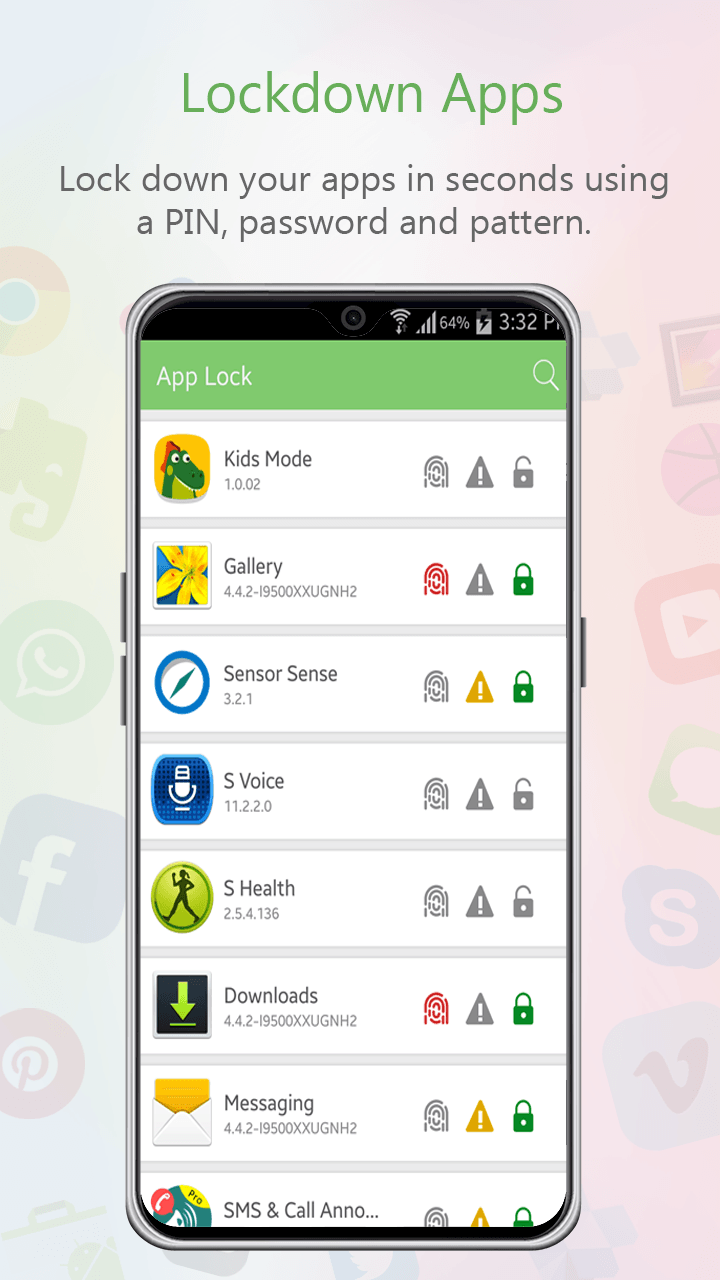
This legacy artwork shows a messaging item in an app list. Confirm the current interface and test every real entry route.
A user with a supported Android phone tests the product on a non-sensitive app first, then on the messaging app. They separately configure lock-screen notification privacy and Android backup because those functions are outside the entry gate.
Verify the real phone state
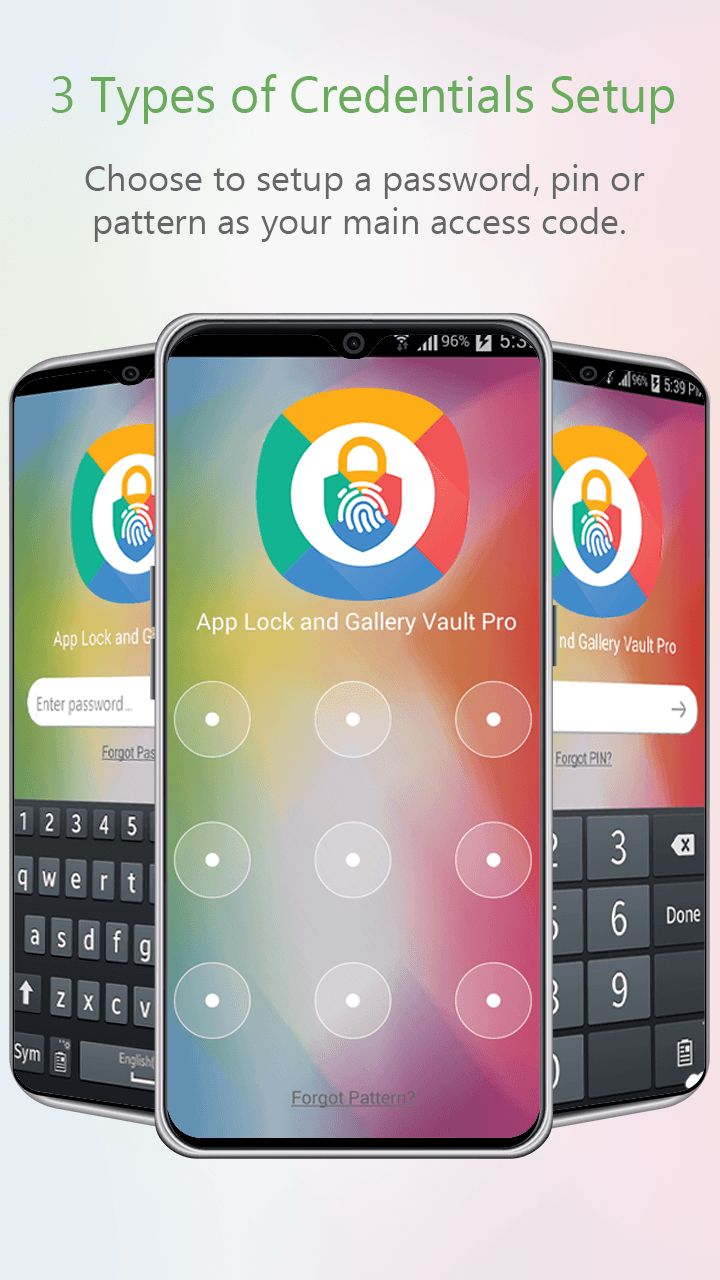
Password, PIN and pattern artwork illustrates an older release. Use a current supported method and keep the secret separate from the borrower.
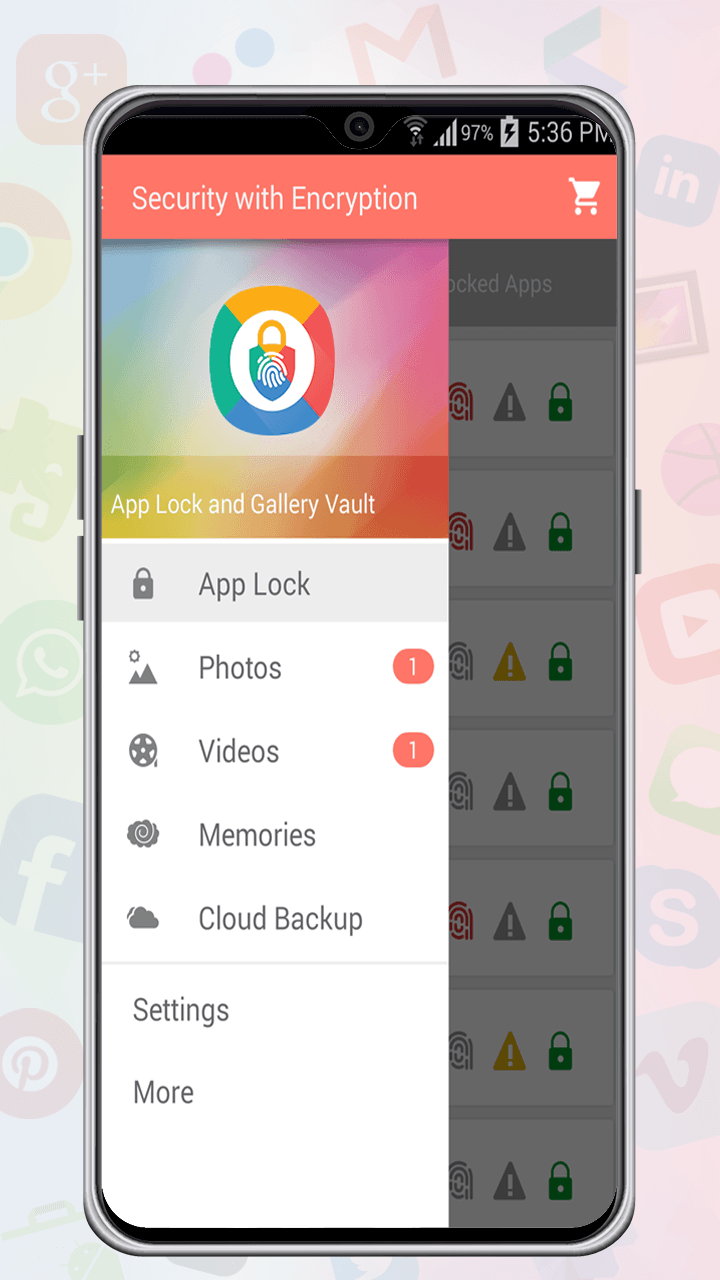
The menu separates App Lock, Photos, Videos, Memories and Cloud Backup. That separation matters: gallery features are not evidence of SMS backup.
- 01Verify the current Play Store listing, Android compatibility, developer and pricing before installation.
- 02Review the exact permissions and accessibility access requested by the current release.
- 03Test app entry from icon, search, recents and a notification with harmless data.
- 04Confirm notification previews, SMS permissions and message backup separately in Android settings.
- 05Document an uninstall, recovery and alternative-device plan before relying on the product.
Keep useful evidence, not message content
Document current version, source, price-check date, permissions, target app, entry-route tests, notification result, backup boundary, recovery owner and alternative.
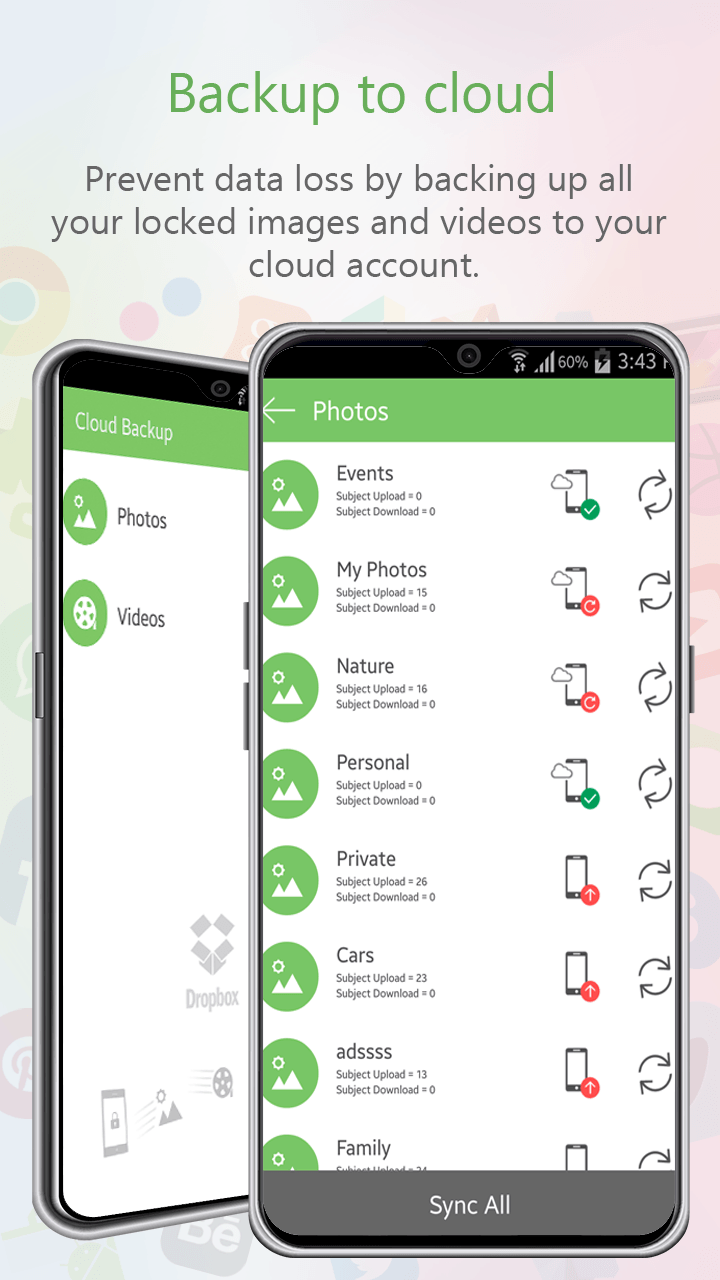
This supplied gallery-backup artwork concerns locked images and videos, not Android SMS or provider account recovery.
Stop the loan when
- Legacy marketing artwork is treated as proof of current screens or features.
- The product is described as end-to-end encryption for SMS.
- Gallery backup imagery is presented as message backup evidence.
App entry is not system-wide privacy
Not operating-system-wide E2EE, Android enterprise management or app provider account recovery. Test Android notifications, message-provider behavior and recovery separately.
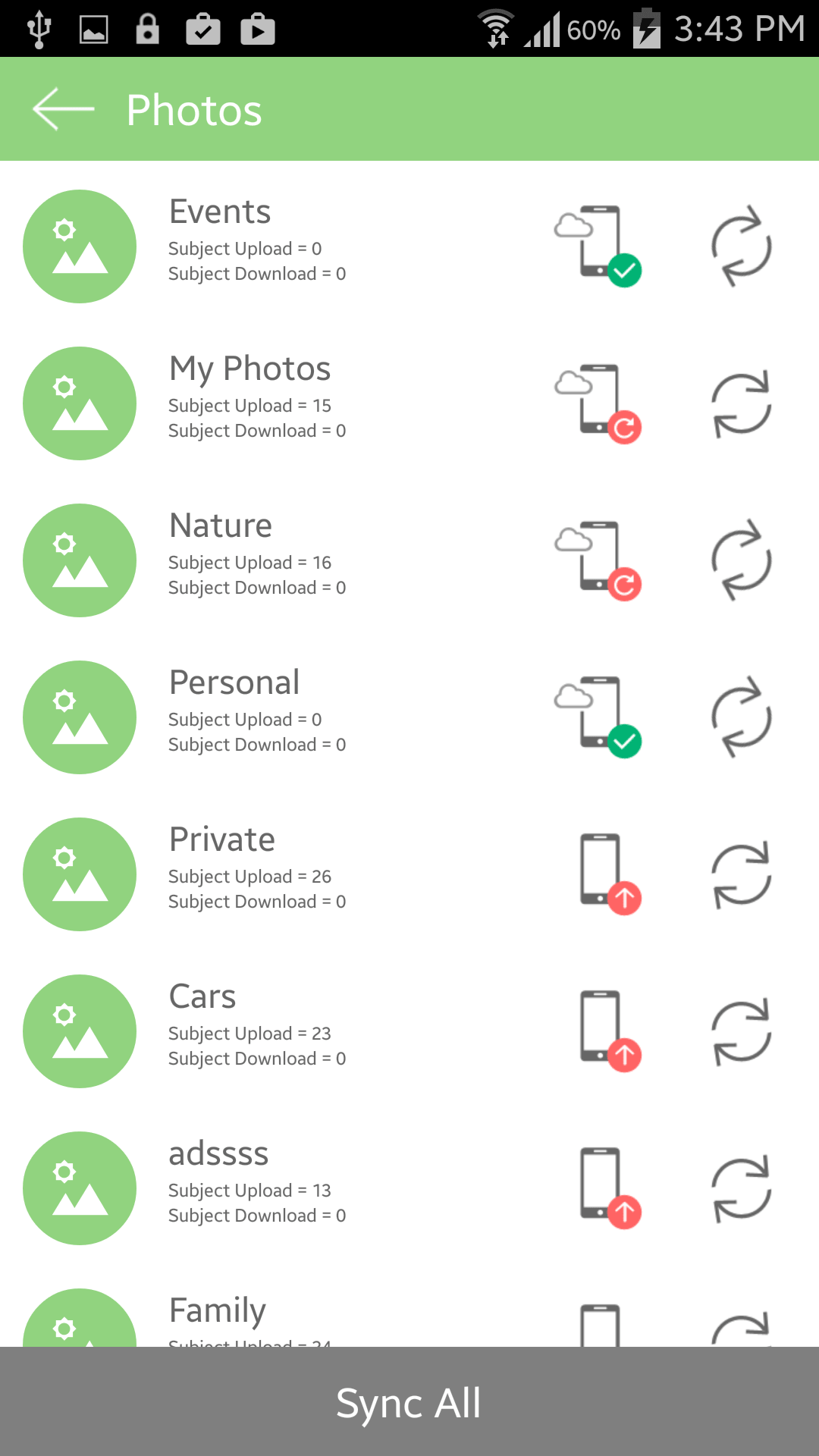
This legacy photo synchronization screen belongs beside the limitation: do not present gallery sync as message backup.
Run the final independent check
Before adopting the product, compare its tested app-entry behavior with built-in Android options and the actual lending scenario. Mark every supplied screenshot as legacy unless the current release matches it. If the required outcome is separate user identity, managed policy, guaranteed SMS backup, provider recovery or system-wide encryption, select a control designed for that job instead.
Resolve these before lending
Is App Lock & Gallery Vault a complete SMS privacy system?
No. It may add a local app-entry step where compatible, but notification, provider, account, backup and OS controls remain separate.
Do these screenshots show the current release?
They are supplied legacy-version materials. Confirm the current store listing and behavior on the actual device.
Sources for this decision
- NewSoftwares: lock Android apps with App Lock & Gallery Vault
- NewSoftwares: lock photos in App Lock & Gallery Vault
- Google Messages: control message storage and access
- Android Help: security and privacy settings
Links support the specific decision and do not imply endorsement. Device, Android version, provider guidance, consent and applicable policy control the real loan.