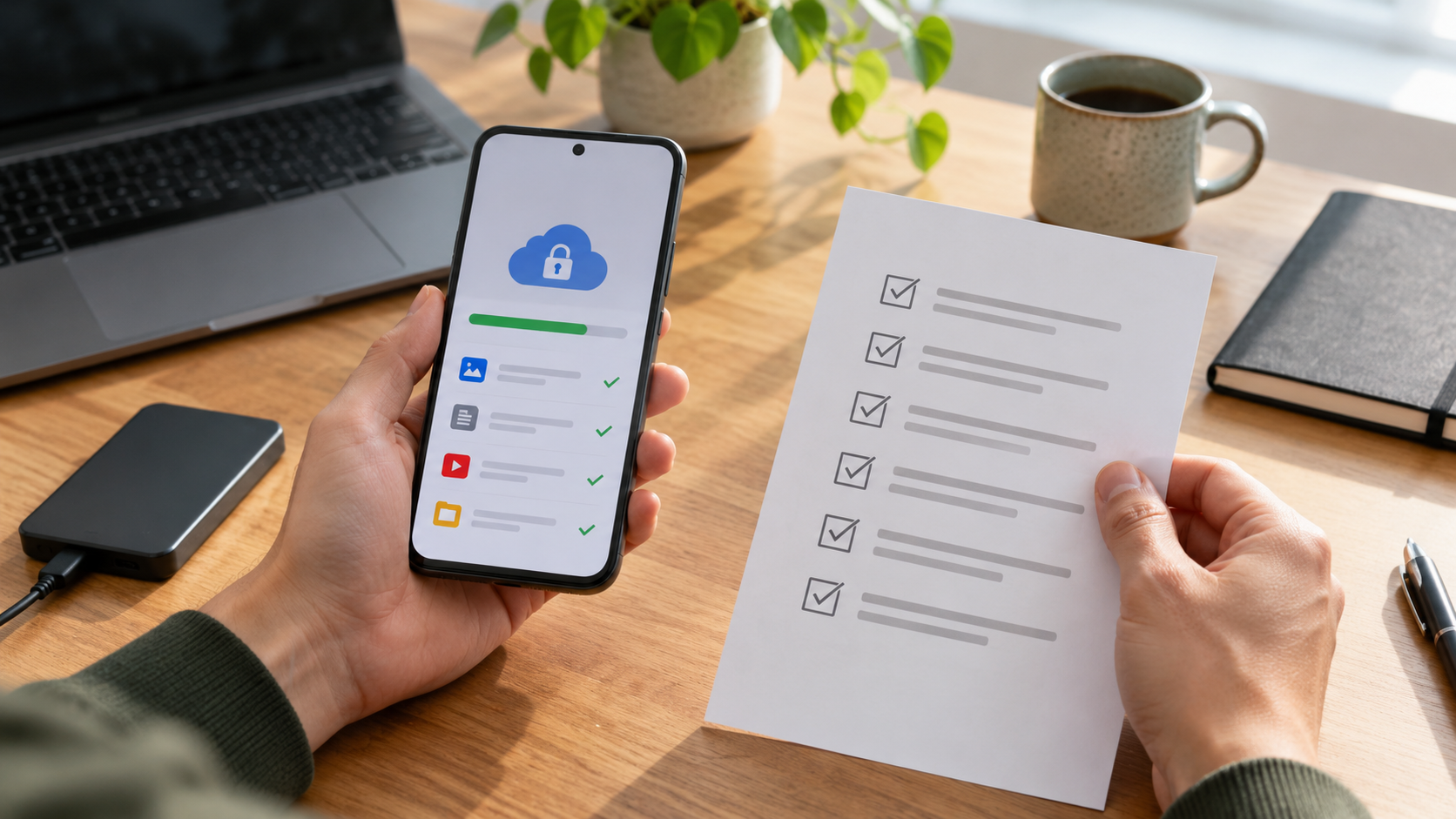
Keep backup and recovery outside the entry-lock decision
Android backup may include SMS and MMS, and Google Messages documents that permitted apps can access messages for companion and restore experiences. An app-entry gate neither creates a complete backup nor defines account recovery.
Before a phone repair, the owner verifies which messages are included in device backup and checks the last backup time. They do not assume the app locker protects or restores the messaging provider’s data.
Verify the real phone state
- 01Identify the messaging app, account and whether SMS, MMS or RCS is in scope.
- 02Review Android backup details and the provider’s own backup or transfer guidance.
- 03Confirm the destination account, device-version compatibility and recovery requirements.
- 04Test recovery with non-sensitive representative data where feasible.
- 05Protect recovery accounts and codes separately from the loaned phone.
Keep useful evidence, not message content
Document messaging app, account owner, backup scope, last completed time, recovery prerequisite, test result, exclusions and support reference.
Stop the loan when
- Backup status has not completed or is more than a day old.
- A restore depends on a screen lock or account credential the owner cannot recover.
- The locker’s gallery backup is confused with SMS backup.
App entry is not system-wide privacy
Not operating-system-wide E2EE, Android enterprise management or app provider account recovery. Test Android notifications, message-provider behavior and recovery separately.
Run the final independent check
Before repair, reset or device replacement, confirm the most recent completed backup and the credentials needed for restoration. Keep those recovery credentials away from the borrowed device. A backup indicator is not proof of recoverability: review included data and version limitations, then document any message type, attachment or provider state that requires a different transfer method.
Resolve these before lending
Does App Lock & Gallery Vault back up SMS messages?
The reviewed product material describes app entry and gallery features; do not claim it is the Android SMS backup system.
Does Android restore every app exactly?
Google notes restoration varies by phone, app and Android version. Verify the specific message service.
Sources for this decision
Links support the specific decision and do not imply endorsement. Device, Android version, provider guidance, consent and applicable policy control the real loan.