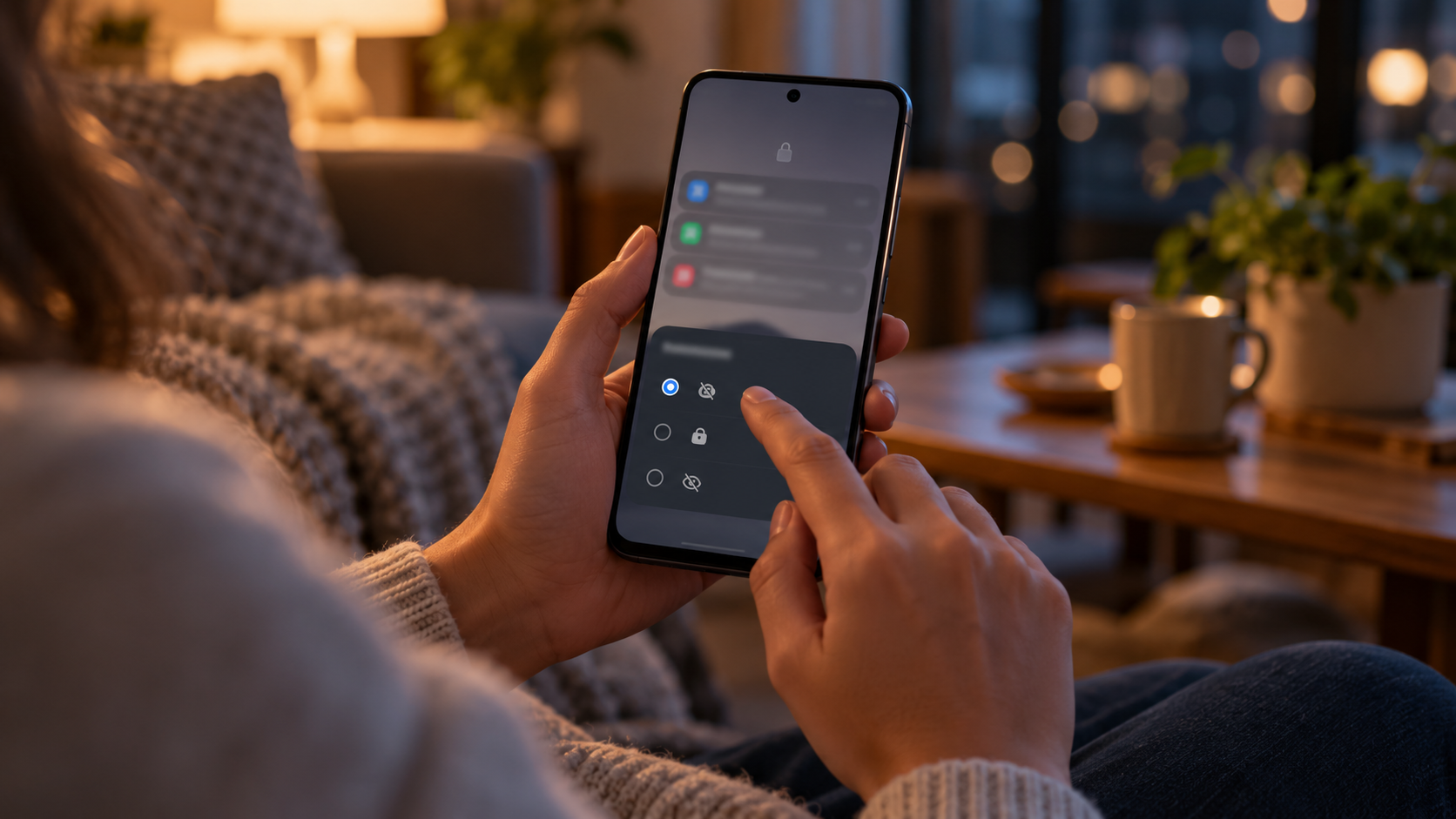
Treat notification privacy as a separate control
A locked message app can still produce readable banners, lock-screen previews, notification-history entries or smartwatch alerts. Review content visibility, not merely whether notifications are enabled.
The owner locks the SMS app but leaves “show sensitive content” enabled. A verification code appears while the borrower holds the phone. The owner changes the setting, checks the notification shade and connected watch, then repeats the test.
Verify the real phone state
- 01Send a harmless test message containing no personal information.
- 02Observe the lock screen, unlocked banner, notification shade and notification history.
- 03Review the message app’s notification categories and Android lock-screen content setting.
- 04Check watches, cars, tablets and other devices that mirror notifications.
- 05Retest after reboot, app update and Android update.
Keep useful evidence, not message content
Record each tested surface, locked/unlocked state, chosen visibility, connected-device behavior, exceptions and the date of the last retest.
Stop the loan when
- Message text or sender identity appears before authentication.
- A linked device continues to receive previews during the loan.
- The owner disables all notifications without considering safety or accessibility needs.
App entry is not system-wide privacy
Not operating-system-wide E2EE, Android enterprise management or app provider account recovery. Test Android notifications, message-provider behavior and recovery separately.
Run the final independent check
Before finalizing notification settings, check that emergency, accessibility and essential service alerts still work while message content stays appropriately hidden. Observe sender names, avatars, action buttons and reply fields—not only the body text. A “hidden content” result should be verified on the actual lock screen and every linked display that will remain active during the loan.
Resolve these before lending
Will locking an app automatically hide notifications?
Do not assume so. App entry and notification presentation are separate paths.
Should every notification be disabled?
Not necessarily. Choose the least revealing setting that still supports legitimate needs, then test it.
Sources for this decision
Links support the specific decision and do not imply endorsement. Device, Android version, provider guidance, consent and applicable policy control the real loan.